In a world of websites, social media, and instant messaging, you might wonder if business cards still matter.
For many small businesses, they do. A card is something a person can hold, keep in a wallet, and find again weeks later. It is also often the first physical item connected to your brand, especially if you meet customers at events, shops, or meetings.
But a card has very little space, so every line needs a reason to be there. This guide explains what to put on a business card, what to leave off, and how to make it look professional.
What to Include
1. Your name. Make this easy to read. It is the main reason someone keeps the card.
2. Your job title or role. A short title tells people what you do, for example “Owner” or “Sales Manager”.
3. Your business name and logo. These connect the card to your brand. Use the same logo and colors as on your website and social media.
4. One main phone number. Choose the number you answer most reliably. If customers message you on WhatsApp, say so clearly.
5. Your email address. Use a professional address that matches your business, ideally with your own domain rather than a generic free email.
6. Your website. This gives people a place to learn more, see your work, and contact you at any time.
7. A short description of what you do. If your business name does not explain your service, add a few words, such as “Graphic Design and Branding”.
8. Your address, if customers visit you. If you have a shop, studio, or office people come to, include it. If you work online or from home, you do not need to.
9. One or two social handles. Include the platforms where your business is most active, not every account you have.
10. A QR code, if it is useful. A QR code can link to your website, portfolio, or contact details. Test it before printing, and make sure it is large enough to scan easily.
What to Leave Off
- Too many phone numbers. Two or three numbers confuse people about which one to call.
- Every social media icon. A crowded row of icons makes the card look busy.
- A long slogan or paragraph. If it needs a paragraph, it belongs on your website.
- A home address you do not want visitors at.
- Outdated information. Do not print cards until you are sure your details are final.
- Clip art and decorative extras. They usually make a card look less professional.
- A long list of services. Mention the main service and let your website explain the rest.
Design Tips That Make a Card Look Professional
Keep it simple. White space is not wasted space. A clean layout looks confident and is easier to read.
Use your brand. Your card should look like it belongs with your logo, website, and other materials. Consistent colors and fonts help customers recognize you. If you are still deciding on a palette, our guide on choosing brand colors can help.
Make the text readable. Avoid very small text and low contrast, such as light gray on white. Check that your phone number and email are easy to read at a glance.
Create a clear order. The name and business should be seen first, then contact details. Use size, weight, and spacing to guide the eye.
Use the back of the card. You can use it for a logo, a short service list, a QR code, or an appointment reminder area. Or leave it blank on purpose for notes.
Choose a suitable paper and finish. Matte, glossy, and textured finishes all give a different feel. Pick one that matches your brand and budget, and remember that very glossy finishes can be hard to write on.
Check the size and print settings. Standard business card sizes differ between countries, so confirm the correct size with your printer. Ask about bleed (extra background beyond the cut line) and safe margins so important text is not trimmed.
Order a proof. Colors on a screen can look different in print. A proof helps you catch mistakes and color problems before you print a full batch.
A Simple Layout Example
Here is one way a clean card could be arranged:
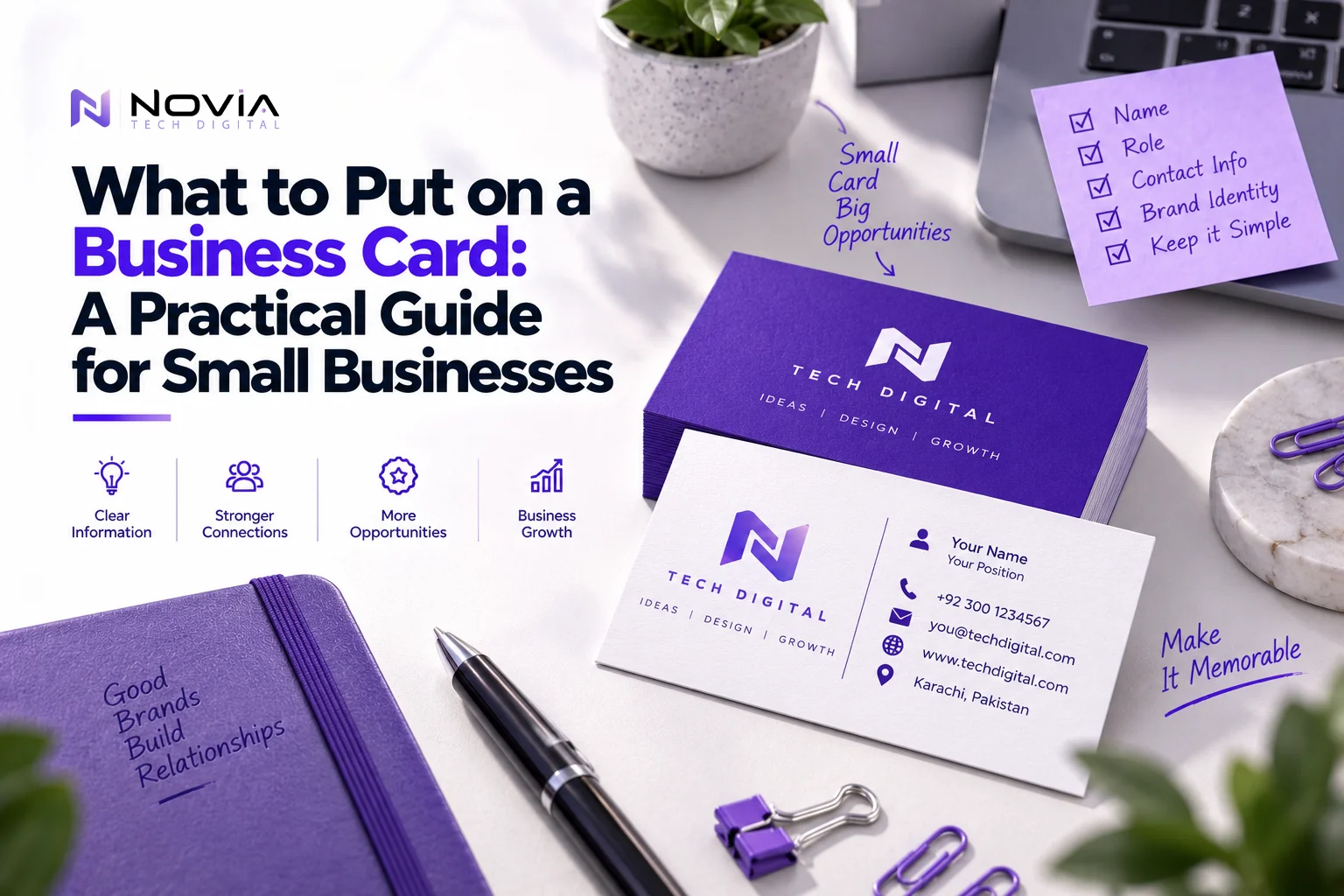
Front: your logo and business name, centered, with a short line describing your service.
Back: your name and title, followed by your phone, email, website, and address, with plenty of space around them.
This is only one option. Many good cards use a different layout, as long as the information is clear and consistent with your brand.
Common Business Card Mistakes
- Typos in contact details. Check phone numbers and emails several times, and ask someone else to check them too.
- Printing too many at once. If your details might change, order a smaller batch first.
- Inconsistent branding. A card that looks different from your website weakens your brand.
- Poor image quality. A blurry logo is very noticeable on a printed card.
- Hard-to-read fonts. Decorative fonts can look nice but be difficult to read.
- No clear next step. Make it obvious how to contact you or where to learn more.
Frequently Asked Questions
What information must be on a business card?
At minimum, your name, business name, and a way to contact you. Most cards also include a phone number, email, and website.
Should I include my address on my business card?
Only if customers visit your location. If you work online or from home, you can leave it off.
Is a QR code a good idea?
It can be, if it leads somewhere useful and scans reliably. Always test it before printing.
What is the standard business card size?
Standard sizes vary by country, so check with your printer.
Do I need a professional designer for my business card?
A simple card can be made with a template, but a designer can make sure it matches your brand and prints correctly.
How many business cards should I print first?
Start with a smaller batch if you are unsure about your details, then reorder once they are settled.
Final Thoughts
A good business card does not need to be fancy. It needs to be clear, consistent with your brand, and easy to act on.
Include only what helps someone contact you, leave plenty of space, and check everything before printing. If you want a card that fits your brand properly, NoviaTech Digital offers graphic design services including business card design. You can also read our guides on logo design and small business branding, or contact us to start your project.